
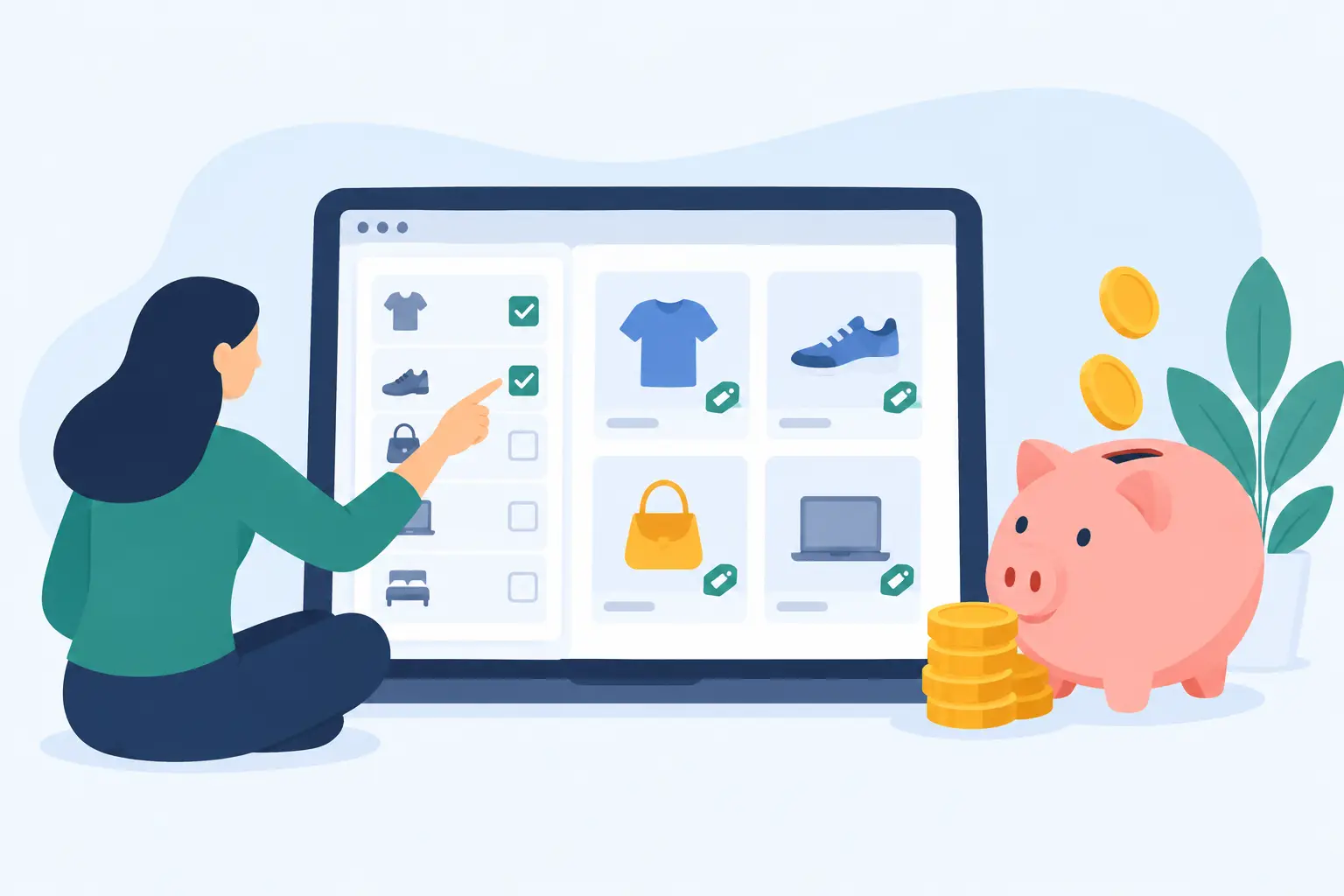
How to Filter Category Deals and Save Faster
In this article
- Start With the Category You Need Right Now
- How to Filter Category Deals by Location
- Set a Price Range That Matches Your Actual Budget
- Check the Offer Details Before You Commit
- Sort for the Deal That Fits Your Timing
- Use Merchant Names and Deal Types to Narrow Results
- Build a Shortlist Instead of Opening Every Deal
- Make Filtering a Habit Before You Pay
An oil change is due, dinner needs to happen, and your phone is already in your hand. That is exactly when knowing how to filter category deals pays off. Instead of scrolling through every offer and hoping something fits, use a few quick filters to find savings that are nearby, useful, and ready when you are.
The best deal is not always the biggest percentage off. It is the one you can actually use without driving across town, buying something you do not need, or missing the expiration date. A smart filter setup turns a crowded deals page into a short list of real options for your day.
Start With the Category You Need Right Now
Category browsing is the fastest way to cut through the noise. If your car needs attention, go straight to Automotive. If you are shopping for a birthday, try Retail, Beauty, Electronics, or Gifts. Planning a weekend? Check Travel, Dining, and local activities before you pay full price.
Start broad only when you are open to ideas. For example, browsing Food and Dining can help you find a new lunch spot near work. But when you need a specific service, such as a tire rotation or appliance repair, choose the closest matching category first. You will see fewer irrelevant offers and spend less time comparing deals that do not solve your problem.
Categories also make repeat savings easier. Families can check groceries and household offers before a weekly shopping trip. Commuters can review automotive deals before a maintenance appointment. If you regularly spend in the same areas, make category filtering part of your normal routine, not something you do only after a purchase is already planned.
How to Filter Category Deals by Location
A great offer loses value fast if it is too far away. Set your location, city, or preferred area before you start browsing, then focus on merchants that fit your usual route. Think about the places you already go: near home, near the office, around school pickup, or along your weekend errands.
Local filtering is especially useful for services. A discounted oil change on the other side of the metro area may not beat a slightly smaller discount five minutes from home. The same is true for salons, restaurants, repair shops, and retail stores. Time, fuel, parking, and convenience are part of the real cost.
If you are willing to travel for a larger purchase, widen the radius carefully. Electronics, appliances, travel, and special occasion services can justify a longer trip because the dollar savings may be higher. For everyday purchases, stay close. Small, repeatable local savings often add up more than chasing one distant promotion.
Set a Price Range That Matches Your Actual Budget
Filtering by price keeps a deal from becoming an impulse buy. Before opening offers, decide what you are prepared to spend today. A 40% discount can still be a bad fit if it pushes you beyond your budget or requires add-ons you did not plan to buy.
Look at the final cost, not just the headline. A restaurant deal may offer a strong discount but require a minimum purchase. A beauty promotion may apply only to selected services. A travel offer might exclude taxes, fees, or popular dates. These are not automatically bad deals, but they need to work with your real spending plan.
For routine categories, a useful approach is to compare the offer with what you normally pay. If you usually spend $50 on an oil change and see a $15 savings nearby, that is clear value. If a deal asks you to spend $120 on upgrades to receive $20 off, pause before tapping redeem. Savings should reduce a planned cost, not create a bigger one.
Check the Offer Details Before You Commit
Fast savings should still come with a quick detail check. Open the deal and look for the expiration date, redemption instructions, participating location, minimum purchase, and any exclusions. This takes less than a minute and helps avoid the common frustration of finding out an offer cannot be used the way you expected.
Pay special attention to timing. Some deals are valid only on weekdays, during certain hours, or while supplies last. Others may be limited to new customers or one redemption per account. If you are planning around a promotion, confirm the details before you arrive.
Digital coupons are built for convenience, but each merchant may have a slightly different process. You may need to show the offer on your phone at checkout, enter a code online, or redeem through the app. Keep the offer accessible before you reach the register. No paper, no hassle, just make sure the deal is ready to use.
Sort for the Deal That Fits Your Timing
Timing changes what a good deal looks like. If you need something today, prioritize offers that are active now, close by, and simple to redeem. Do not spend twenty minutes searching for a better discount if you need lunch in the next half hour or a repair before work tomorrow.
If your purchase is flexible, sort for upcoming value. Check deals before a holiday, a family event, a road trip, or a seasonal service appointment. Planning ahead gives you more choices and makes it easier to use promotions before they expire.
There is a trade-off here. Waiting may bring a better offer, but it can also mean losing the deal that already fits. For a needed service or a purchase you were going to make anyway, a solid available deal is often better than holding out for a perfect one.
Use Merchant Names and Deal Types to Narrow Results
Once you have filtered by category and location, merchant and offer type can help you decide faster. If you already trust a local business or need a specific brand, search for it directly. If you are open to trying somewhere new, compare deals based on the type of savings offered.
A dollar-off deal is easy to evaluate when you know your expected total. A percentage-off deal can be stronger on a larger purchase. Buy-one-get-one offers work best when you already need two items or can share with someone. Bundles can be valuable for services, but only if every included item is useful to you.
Do not overlook newer merchants just because you have not visited before. A local deal can be a low-risk way to try a restaurant, salon, shop, or service provider. Read the offer carefully, choose a convenient location, and use the promotion as a reason to explore your neighborhood without paying full price.
Build a Shortlist Instead of Opening Every Deal
The goal of filtering is not to see more offers. It is to make a quick decision with confidence. After narrowing your results, keep only two or three deals in consideration. Compare their final cost, distance, expiration date, and redemption steps.
If two offers are nearly equal, choose the one that is easier to use. An extra 5% off may not be worth a longer drive, a complicated redemption rule, or a purchase requirement that does not fit your plans. Convenience has value, especially on busy days.
Mobile Coupon makes this process simple by bringing local savings across everyday categories into one mobile-friendly place. Browse what you need, filter for what works, and keep your next discount within reach when it is time to buy.
Make Filtering a Habit Before You Pay
The easiest way to save is to check for deals before you check out. Do it before booking an appointment, placing a food order, buying a gift, or walking into a store. It becomes a quick pre-purchase habit: choose the category, confirm the location, scan the details, and redeem if the value is real.
You do not need to chase every promotion. Focus on the categories where you already spend and the merchants you can realistically visit. A few taps before a routine purchase can turn everyday spending into money left in your budget for something you actually want.
Deals you can use today
Real coupons from local stores. Free to claim.